A Quiet Place: Deadzone Controls Hub
PC, mobile, and settings reference for QPG STUDIOS' silence survival experience.
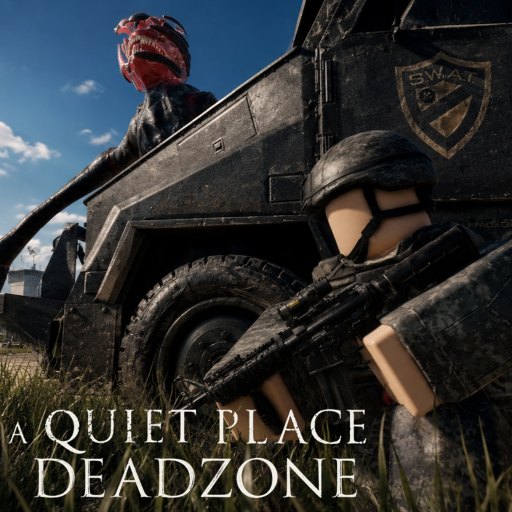
Controls shape survival
In A Quiet Place: Deadzone on Roblox, a misbound sprint key kills faster than any Death Angel model. QPG STUDIOS built a pre-alpha experience where movement, interaction, and audio settings directly affect whether creatures hear you in Cold Spring, New York. This hub routes you to platform-specific pages and settings tuning that support How to Stay Quiet.
Roblox experiences inherit base platform controls, then layer custom binds for crouch, interact, inventory, and emotes. Patch notes can remap defaults—always verify after updates.
Platform guides
PC Controls
Keyboard and mouse defaults, sprint discipline, interaction keys, and PC-specific habits for footstep-aware movement. Most competitive silence strats assume PC headphones.
Mobile Controls
Touch layout, joystick dead zones, sprint toggle risks, and autocorrect pitfalls when redeeming codes on phone.
Settings Guide
Roblox client settings plus in-experience options: sensitivity, graphics load, audio mix, and accessibility tweaks that reduce accidental noise.
Controls linked to other systems
| Topic | Why controls matter |
|---|---|
| Inventory | Drop/pickup binds cause loud mistakes |
| Loot | Spam interact on mobile |
| Creatures | Sprint burst pulls aggro |
| Safe Routes | Crouch pace on PC vs mobile |
Pre-alpha remapping notice
QPG may add dedicated stealth stance, lean, or item wheel in future builds. Empty bind slots today do not mean features are missing forever—check Updates after each patch.
Community fan wikis sometimes list unverified keys. Trust in-game prompts first, then this hub after confirm.
Recommended setup order
- Read How to Play for loop context.
- Configure PC or Mobile.
- Tune Settings for footstep audio.
- Practice crouch-only interior in Cold Spring.
- Run Noise Risk Checklist with final binds.
Controller and input device notes
Some players use gamepads on PC Roblox clients. Stick dead zones matter as much as mobile joysticks—walk vectors that clip to sprint speed are S-tier noise accidents waiting on Noise Tier List. If QPG adds native gamepad glyphs in a future patch, this hub will note differences from keyboard defaults.
Steam Deck and handheld Windows users should test FPS stability before serious runs; thermal throttling feels like input lag and causes loud panic taps. Lower graphics first in Roblox client settings, then revisit Settings Guide.
Accessibility path
Players with motor differences should prioritize remapping sprint away from primary movement clusters and using toggle crouch only after testing noise—document personal binds in squad chat before Safe Routes.
Related pages
Frequently Asked Questions
Quick answers for survivors in the deadzone.
Are controls the same on PC and mobile?
No. PC uses keyboard and mouse; mobile uses touch joysticks and on-screen buttons. Each platform page lists practical defaults.
Which control causes the most deaths?
Accidental sprint on loud surfaces. Rebind sprint away from easy mispress keys and use walk by default.
Can I change controls in pre-alpha?
Roblox allows rebinding in client settings; in-game options may expand over time. Recheck after patches.
Do settings affect creature detection?
Settings do not buff stats, but audio and sensitivity help you move quietly and hear threats sooner.